Gmail, Calendar and Sheets, under your own Google authority.
Most platforms ask for sweeping access to your mailbox and calendar and hold it on their servers. This runs the other way round: you deploy a small script in your own Google account, and Watx acts through it — no long consent screen, no third party holding the keys to your inbox.
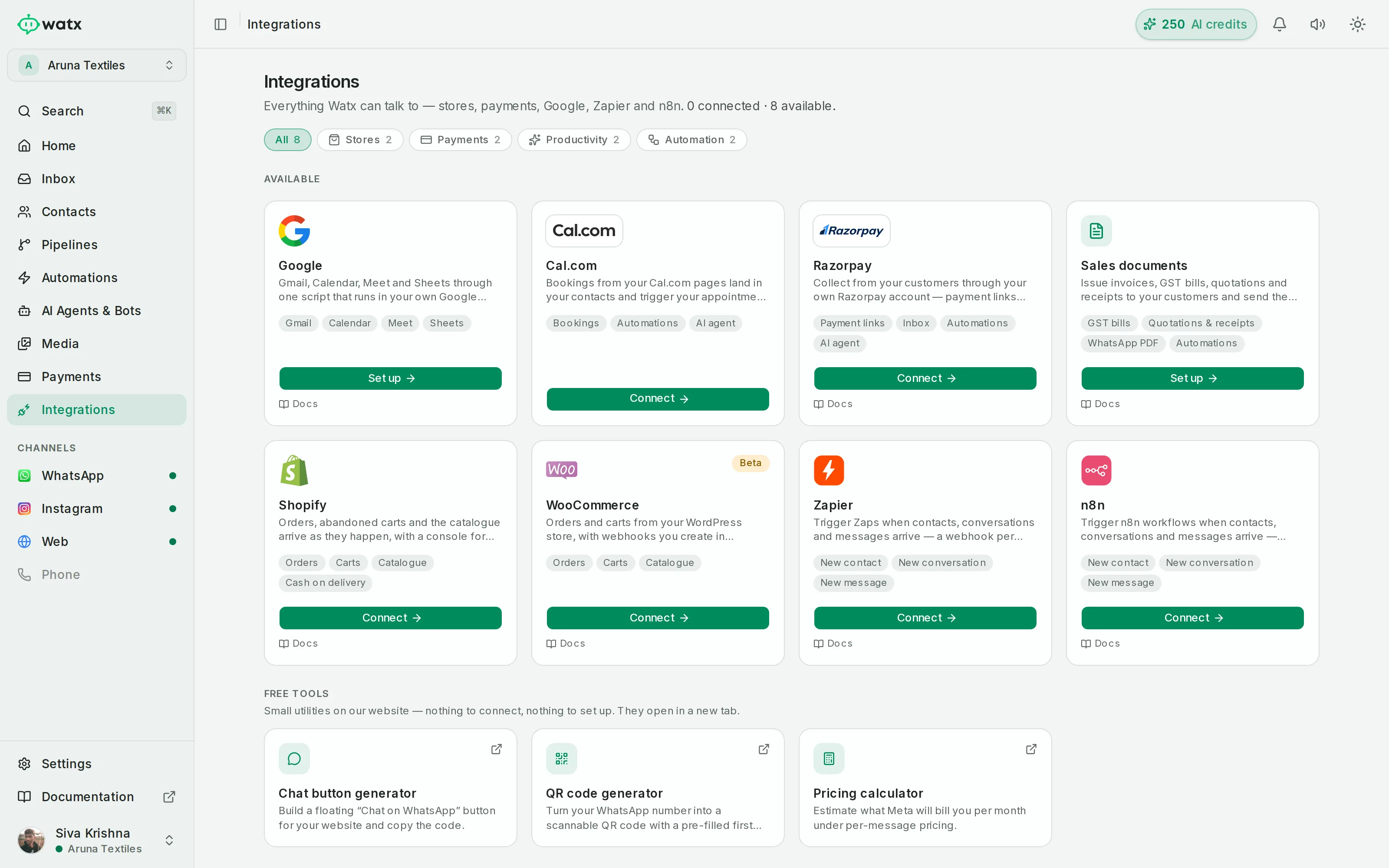
Run Gmail, Calendar and Sheets under your own Google authority.
Deploy a small script in your own Google account and Watx can send email, manage calendar events with Meet links, and read or write Sheets — no long consent screens and no third-party access to your mailbox.
- Gmail: send email · Calendar: check availability, create (with Meet), reschedule, cancel, find
- Sheets: append, find or delete a row · plus Contacts, Docs and Tasks actions
- Available as automation steps and as AI agent tools
- Runs under the customer’s own Google authority
Google Workspace, answered.
What can it actually do?
Gmail: send email. Calendar: check availability, create an event with a Meet link, reschedule, cancel, find. Sheets: append, find or delete a row. Plus Contacts, Docs and Tasks actions.
Why a script in my own account?
Because it keeps the authority with you. The actions run under your Google account rather than through a third-party integration holding broad access to your data.
Can an AI agent use these?
Yes — they are available both as automation steps and as tools an AI agent can call, which is what lets an agent actually book an appointment rather than describe how to book one.
The rest of the platform
- Official Cloud API Run on the official Meta Cloud API — and stay compliant.
- Team inbox One inbox your whole team can see.
- Contacts & segments Every contact, filed the way your team actually works.
- Broadcasts Send at scale without risking your number.
- Automations No-code automations on a visual canvas.
- Chatbot flows Conversational flows you can test before you ship.
- AI agents AI agents that answer the boring 70% — and hand you the rest.
- Deal pipelines See which conversations turned into revenue.
- Forms & bookings Forms and booking pages that feed straight into Watx.
- Catalogue & orders Sell your catalogue right inside the chat.
- Ad attribution Know which ad started the conversation that closed.
- API & webhooks A real API, webhooks, and Zapier for the long tail.
- Workspaces & team Built for one team — or an agency running fifty.
- Trust & compliance We treat your number like it pays the bills.
All of it, on one number.
Watx is one platform, not fifteen add-ons. 15-day free trial, no card, and you can keep the WhatsApp Business app on your number while you try it.