WhatsApp for agencies: many clients, one login, no shared passwords.
Running WhatsApp for several brands usually means several accounts, several passwords in a shared document, and a sinking feeling about which client’s broadcast just went out. Watx gives each client an isolated workspace, one login that moves between them, and per-workspace data separation enforced at the database level rather than by everyone being careful.
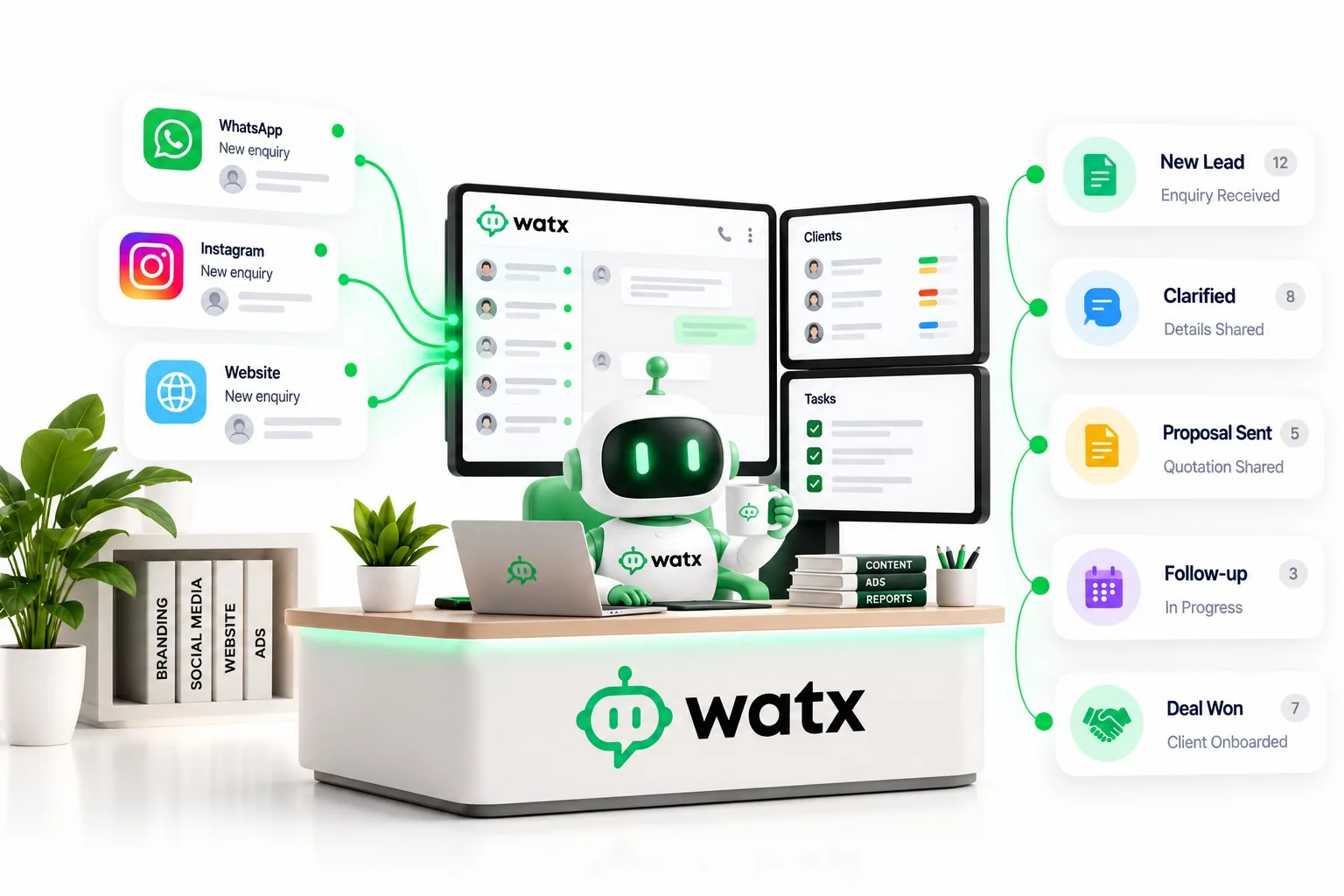
What this usually
looks like today.
- Client credentials get shared around the team because there is no other way in.
- Signing out and back in to switch client wastes the day.
- Flows and templates that work for one client are rebuilt from scratch for the next.
- Nothing proves to the client which conversations turned into revenue.
Run every client from one login.
One workspace per client, properly isolated
Each client’s contacts, conversations, templates and media live in their own workspace with per-workspace isolation at the database level — not a shared account with a tag on it.
See how it works 02Switch clients without signing out
One login carries your membership of every workspace you have been invited to. Switching client is a menu, not a logout.
See how it works 03Rebuild nothing
The flow, automation and template patterns that worked for one client are the starting point for the next, and the media library indexes every uploaded file once for reuse everywhere.
See how it works 04Show the client what it earned
Deal pipelines and click-to-WhatsApp attribution connect the campaign you ran to the conversations it started and the deals they became — a report rather than an assertion.
See how it worksHow it runs.
- 1
Create a workspace per client
Their number, their templates, their team, their data.
- 2
Invite the client in
Roles are owner, admin and member, so the client can watch without breaking anything.
- 3
Reuse what already works
Flows, automations and templates carry across accounts.
- 4
Report on outcomes
Attribution and pipelines turn "we sent 40,000 messages" into "we sourced this many deals".
All of it on the official Meta WhatsApp Business Cloud API — and you can keep the WhatsApp Business app on your number while you try it.
Agencies, answered.
Does each client need their own WhatsApp number?
Yes — a WhatsApp Business Account and number belong to the business that owns them, and each client workspace connects its own. That is also what keeps one client’s quality rating and messaging limits from affecting another’s.
Can the client keep access if they leave us?
The workspace and its data belong to whoever owns the account, and contacts and conversations can be exported at any time. Handing a client over is a role change, not a migration project.
Is there a reseller or partner arrangement?
Talk to us — volume across many client workspaces is exactly the conversation the Enterprise plan exists for, including billing arrangements that suit an agency rather than a single team.
Same platform,
different job.
Watx is one product with one shared inbox behind it. What changes between these pages is the workflow, not the platform.
All solutions- Retail & D2C Answer stock and shipping questions before the cart goes cold.
- Clinics & healthcare Fill the calendar, cut the no-shows, free the front desk.
- Real estate Qualify portal leads before they go cold.
- Education & coaching Walk every applicant from first question to enrolment.
- Travel & hospitality Quote, confirm and support — all in one thread.
Run every client from one login.
15-day free trial. No card, and you can keep the WhatsApp Business app on your number.